You are viewing a single comment's thread from:

RE: Trying to publish a post in the BusyBees community

in BusyBeeslast year

Congratulations on the publication and for informing me that this community exists with people active in the hive. I have already subscribed. Thanks.

Beautiful photos, excellent macros. Proof that a well-used smartphone can do wonders for your photographs.👏

I'm already looking forward to your new post.📸
Sort:  

Thank you very much, my friend. Your words are my encouragement.

Thank you very much. It's motivating to read these kind words.

If I may, I'd like to make a suggestion: reduce the size of your photos in your posts. Each photo/file is very heavy. It makes it difficult to view, especially when the internet signal is weak anywhere in the world.

It detracts from your beautiful work on nature.

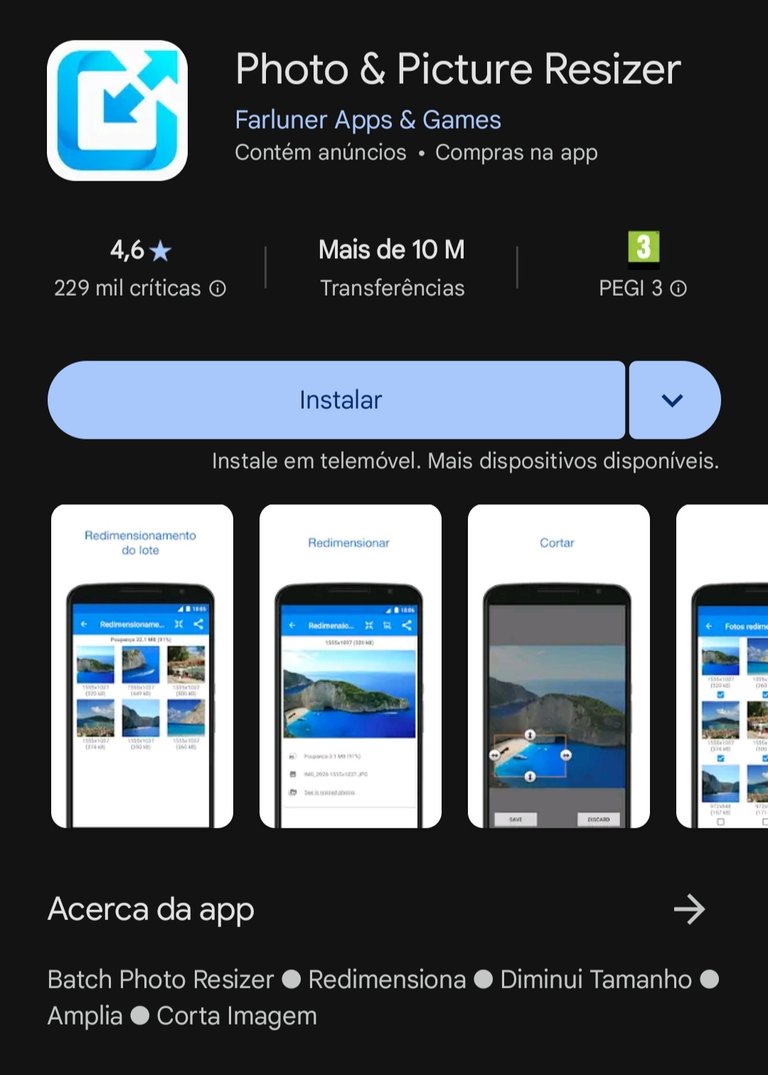
Solution: install an app from the Play Store to resize the photos. I've chosen one as an example. It's free and very good because it allows you to resize several at the same time. In batches. Although it does have some advertising pop-ups. But...

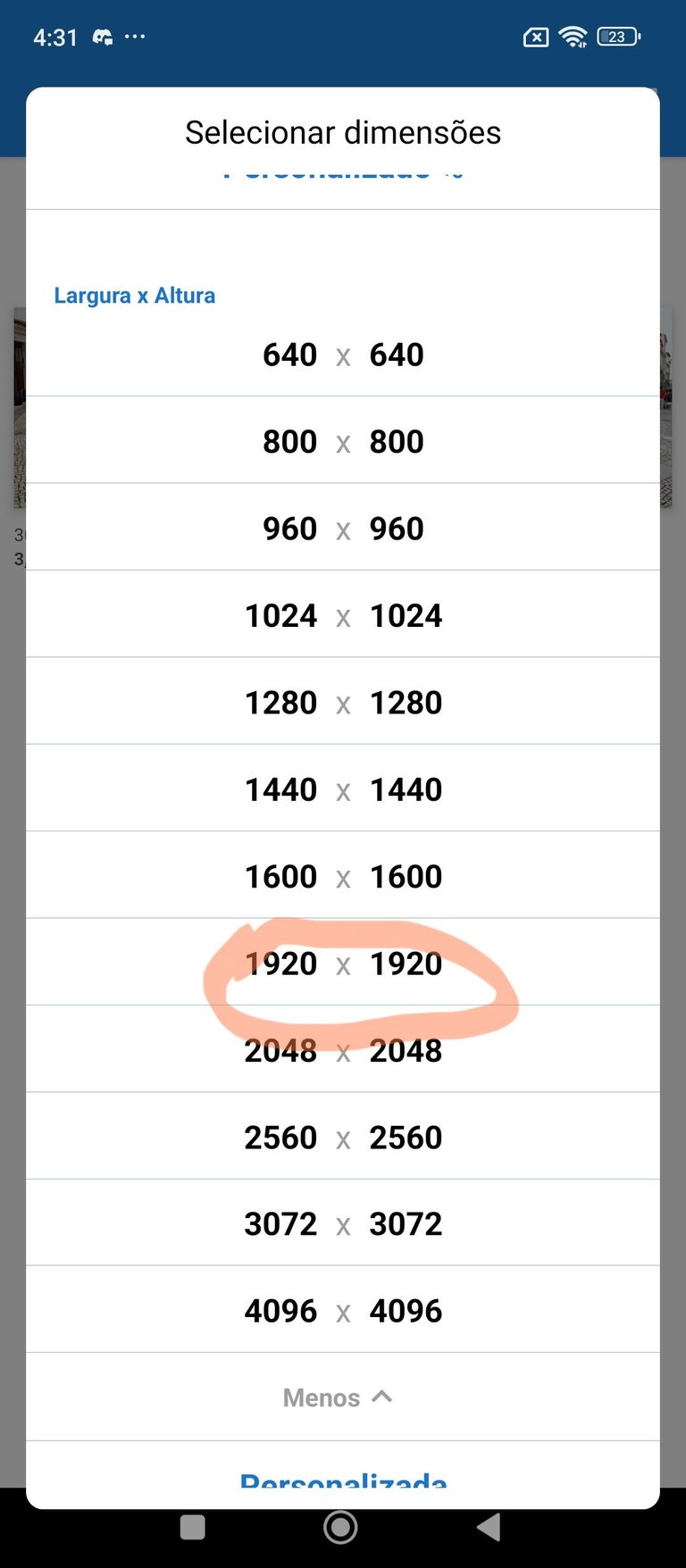
When it comes to image size, you should choose the one I recommend, 1920x1920. This ensures that the photos are seen in good quality on any device (smartphone, PC, Pad) and circulate better on the internet because they are lighter.

I think you'd benefit a lot.

1744169757671.jpg

1744169757686.jpg

Thanks for your feedback, much appreciated. I ever used an app to resize images, but it didn't work. And I don't use it anymore, I just upload the image as it is without editing anything. Now I want to try the app you suggested, hopefully it works. Thank you again for your feedback.